Available in 2026

Split expenses
effortlessly
with ShareBills

A free expense-sharing app that makes splitting costs with friends & family effortless. Scan receipts with AI, split fairly, track shared inventory and shopping lists — all in one place. Available on iOS and Android.

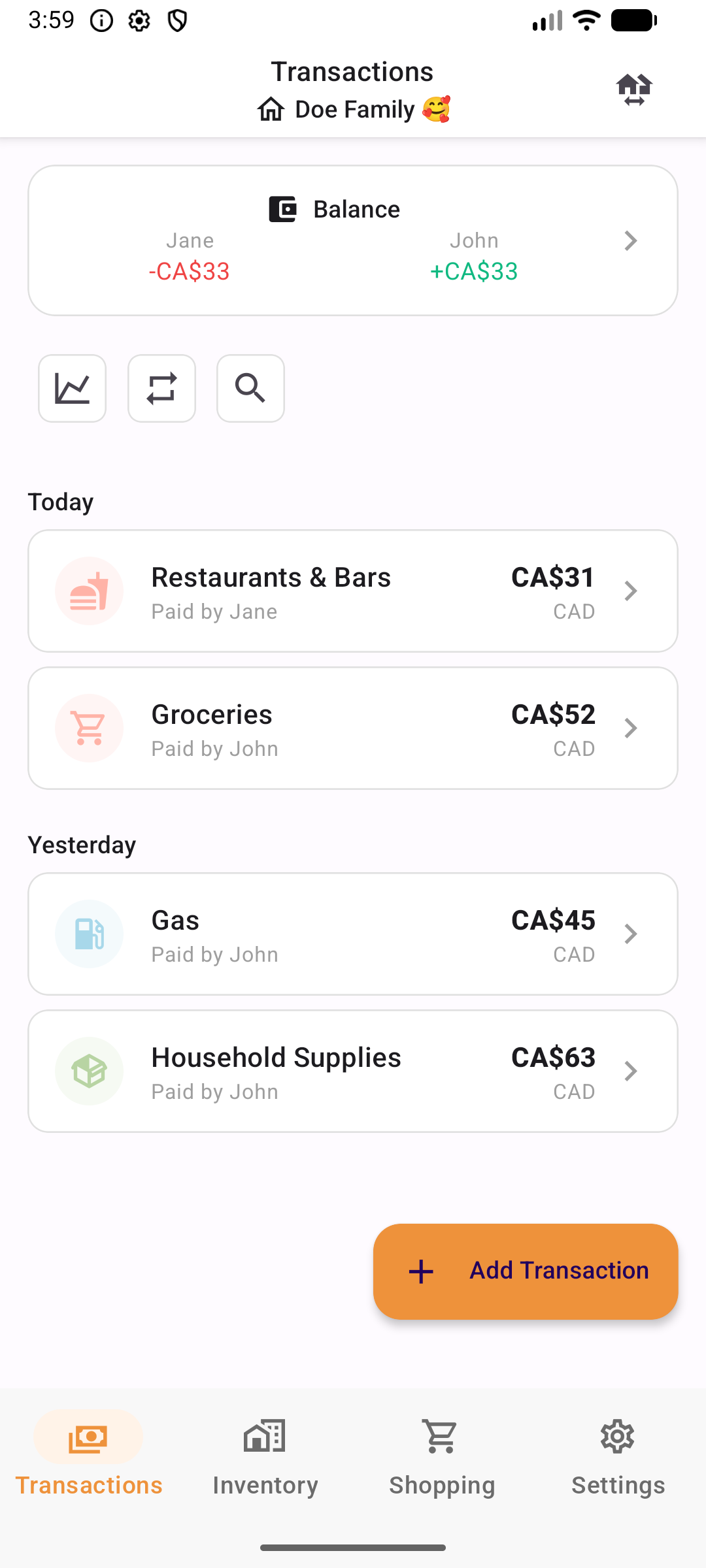
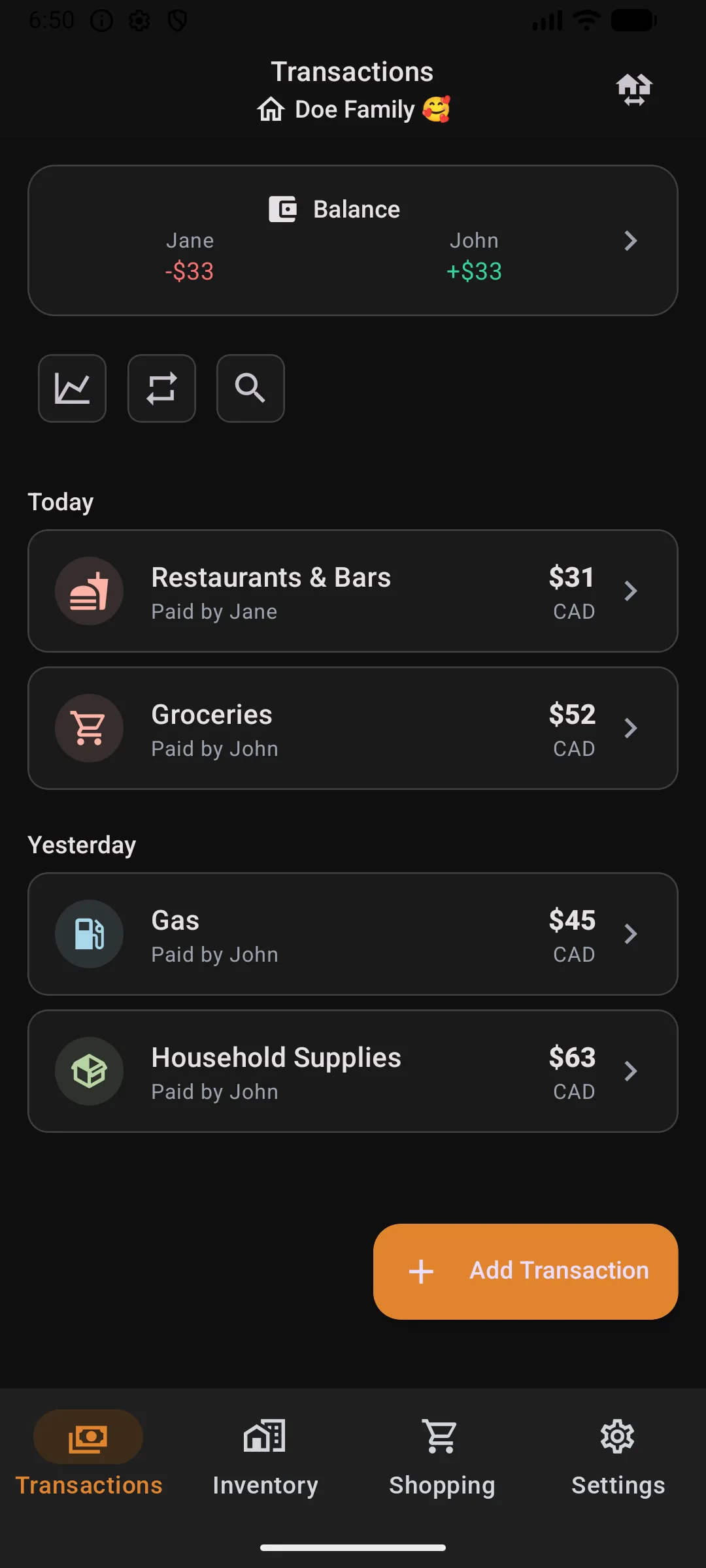
ShareBills expense splitting app showing group balances and transactions on a smartphone
No account required
Multi-currency support
AI-powered scanning
iOS & Android
Receipt Scanning

Point your phone at a receipt. Done.

ShareBills reads the merchant name, date, every line item and its price. No typing, no manual entry.

  • Extracts merchant, date, and amounts
  • Reads individual line items with prices
  • Auto-categorizes the transaction
Expense splitting

Assign each item to whoever ordered it.

Four ways to split. Equal, percentage, exact amounts, or item-by-item. The by-item split that Splitwise charges for? Built in.

Save splitting presets for your group, automate recurring expenses, and track balances across multiple currencies.

All splitting features
Save splitting presets for your group, automate recurring expenses, and track balances across multiple currencies.
Everything in one app

Transactions. Shopping. Inventory.

Three features you'd normally need separate apps for.

Split Transactions

Four splitting methods including item-by-item. AI receipt scanning reads every line item. Recurring transactions handle rent, subscriptions, and utilities on schedule.

4 split methods AI receipt scan Recurring Multi-currency
Learn more

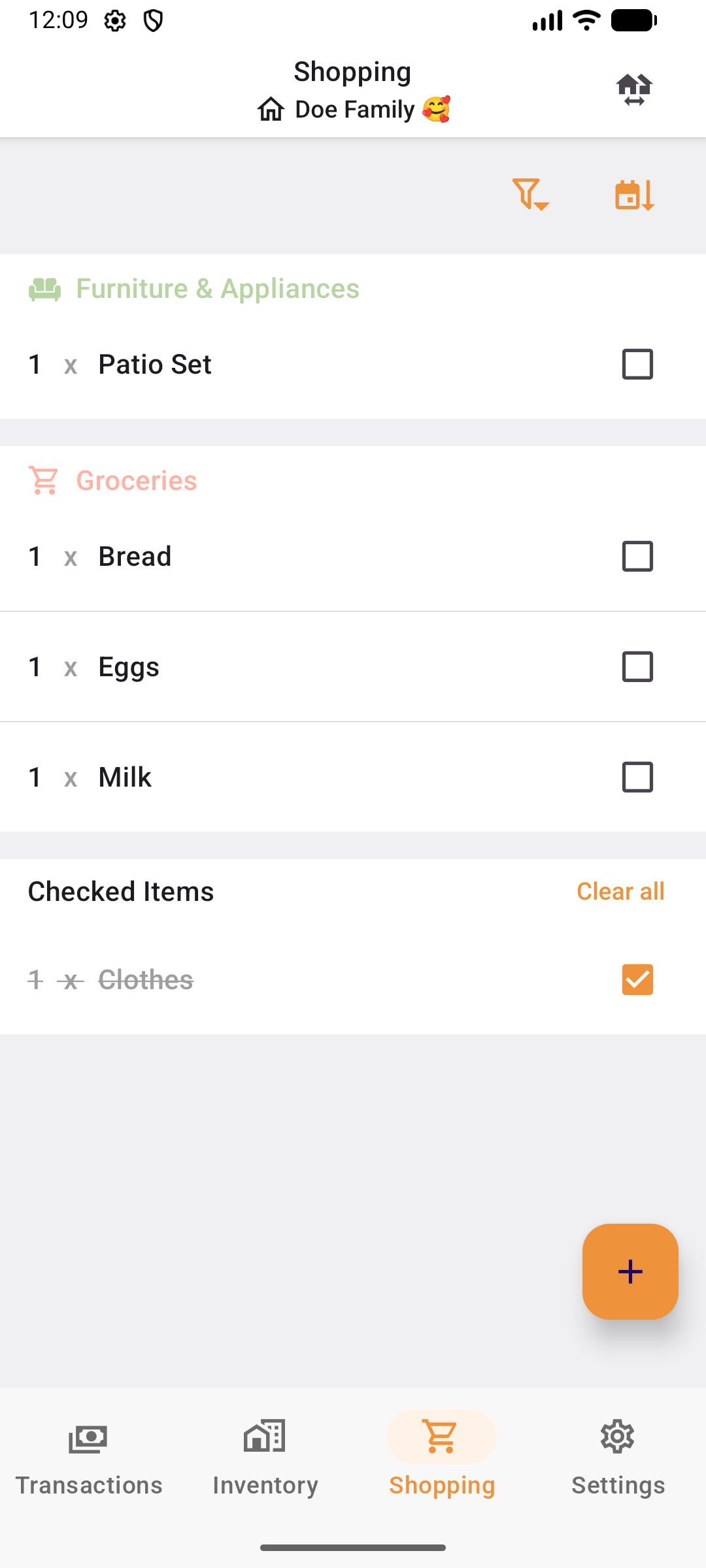
Shared Shopping Lists

A shared list your whole group edits. Add items with quantities, assign them to people, and check them off in-store.

Categories Assign to members Quantities Due dates
Learn more

Home Inventory

Track what you own. Add items from transactions, enter them manually, or use AI Room Scan to detect furniture and appliances from a photo.

AI Room Scan From transactions Photos Locations
Learn more
How it works

Split expenses in 3 steps

No complicated setup. Start splitting in seconds.

1

Add Expenses

Scan receipts or enter manually. Our AI extracts merchant, amounts, and line items automatically.

2

Split Automatically

Choose equal, percentage, exact, or by-item splits. ShareBills handles the math perfectly.

3

Settle Up

See who owes whom at a glance. Mark payments complete with one tap. Done.

Beta Registration

Be the first to try ShareBills

We're currently in beta. Sign up to get early access and help shape the future of expense sharing.

Early access to all features
Direct line to the development team
Free for beta testers

Sign up for beta access

Pricing

Simple, transparent pricing

ShareBills is completely free during beta. No credit card required, no hidden fees.

Free Beta Access
$0

Free during beta

  • Generous expense groups
  • Generous transaction limits
  • AI-powered receipt scanning
  • Multi-currency support
  • Advanced analytics & insights
  • No ads
Join the Beta

Available in 2026

FAQs

Answers to your questions

What is ShareBills and how does it work?

ShareBills is a free expense-sharing app for iOS and Android that makes it easy to split costs with friends, family, roommates, and travel companions. Simply create a group, add expenses (manually or by scanning a receipt), choose how to split them, and ShareBills calculates who owes whom automatically. You can settle up with one tap when you're ready.

Is ShareBills free to use?

Yes, ShareBills is completely free during the beta period with no ads and no hidden fees. All features — including AI receipt scanning, multi-currency support, recurring transactions and spending analytics — are included at no cost. Generous fair use limits apply; see our Terms of Use for details.

How can I share my expenses with my friends?

Create an expense group in the app and invite your friends to join using a shared link. Once everyone is in the group, any member can add transactions. ShareBills tracks all expenses and shows real-time balances so everyone knows exactly who owes whom.

What are the different ways to split expenses?

ShareBills offers four flexible splitting methods:

Equal split

Divide the total equally among all participants. For example, a $90 dinner with 3 people becomes $30 each.

Percentage split

Assign a custom percentage to each person. For instance, a couple can split a $100 grocery bill 60/40.

Exact amounts

Specify the exact dollar amount each person owes, useful when everyone ordered different items.

Split by item

Assign individual receipt line items to specific people. ShareBills uses AI to extract items from receipt photos, then lets you drag and drop each item to the person who ordered it.

How does AI receipt scanning work?

ShareBills uses AI-powered document intelligence to extract data from receipt photos. Simply take a photo of your receipt, and ShareBills automatically detects the merchant name, date, total amount, and individual line items. This information pre-fills the transaction form so you can add expenses in seconds instead of typing everything manually.

Does ShareBills support multiple currencies?

Yes, ShareBills supports multiple currencies including CAD, USD, EUR, GBP, and more. You can set a default currency for each group, and when you add an expense in a different currency, ShareBills handles the conversion automatically using up-to-date exchange rates.

Do I need to create an account to use ShareBills?

No, ShareBills offers a guest mode that lets you start using the app immediately without creating an account. If you want features like syncing across devices, you can sign up later using a simple email-based verification — no passwords required.

Is ShareBills a good alternative to Splitwise or Tricount?

ShareBills offers several advantages over Splitwise and Tricount: no daily expense caps (Splitwise limits free users to 5 per day), AI-powered receipt scanning, split-by-item functionality, built-in spending analytics, inventory management, and recurring transactions. Unlike Splitwise, ShareBills has no ads and no premium paywall for advanced features.

What is the best app to split bills with roommates?

ShareBills is designed for exactly this use case. You can create a roommate group, set up recurring transactions for rent and utilities, track shared grocery expenses with receipt scanning, and see at a glance who owes whom. The automatic settle-up calculation minimizes the number of payments needed between roommates.